Create on-brand content in Claude and ChatGPT with Marq MCP

Every brand team we know could tell you a story about content they never wanted to see out in the wild. Maybe it was a sales deck with a logo from three rebrands ago, a conference flyer made from the right template and then “improved,” or a PDF that became the unofficial master because someone found it first.
These things happened before generative AI. Distributed content creation already made it hard for brand leaders to keep every asset current, accurate, and on-brand. AI adds more creators, more output, and more chances for outdated or inconsistent work to spread.
Marq has worked with organizations to solve this problem by giving them a central place to turn branded designs into templates that marketers control and non-designers can safely adapt across the organization.
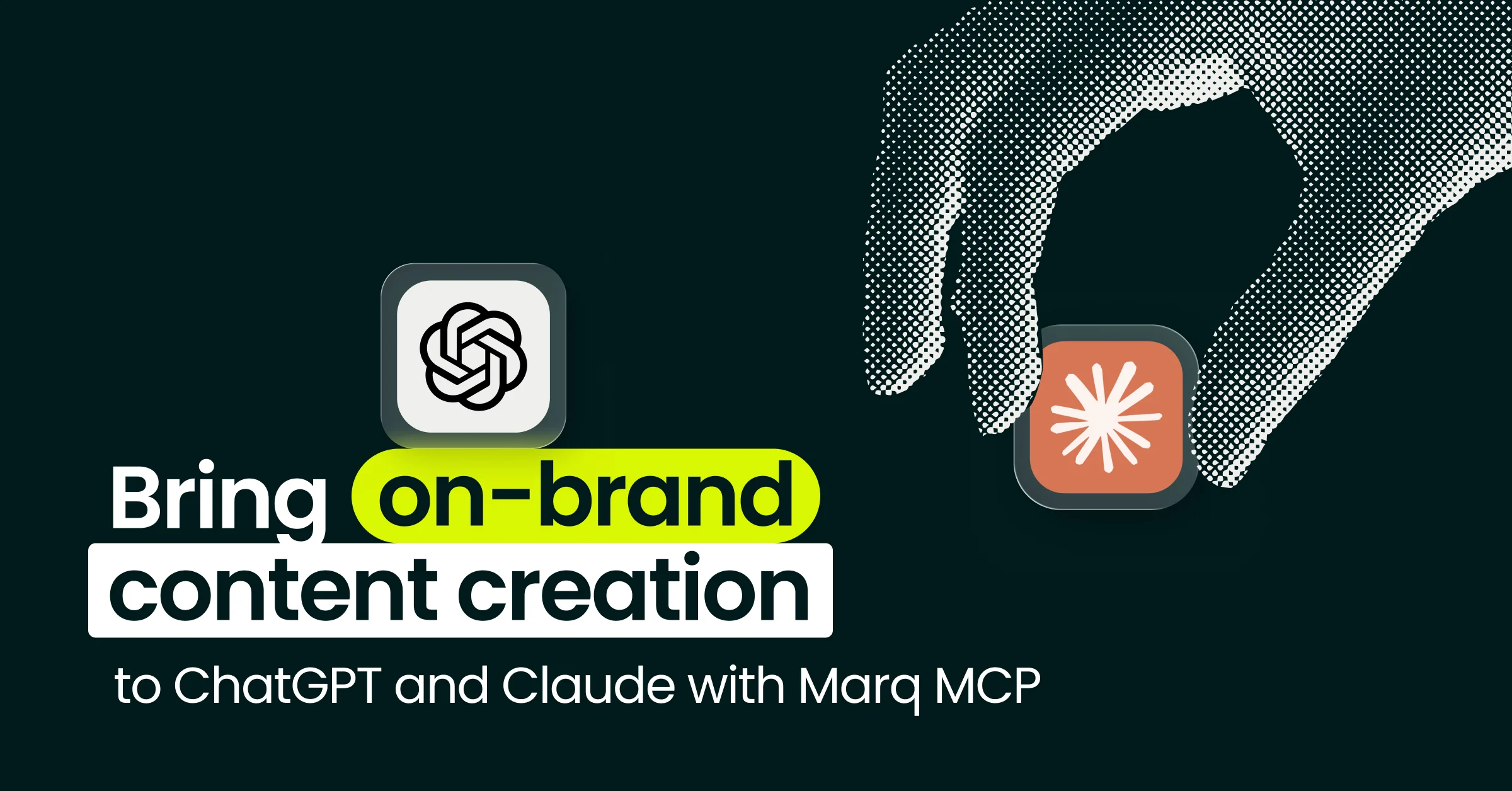
Now available to anyone with a Marq account, Marq MCP extends that system to ChatGPT and Claude.
For brands, giving AI “context” doesn’t cut it
Many teams are already building thoughtful systems for giving AI the right context. They create Claude Projects and custom GPTs, collect approved examples, and teach their assistants how the company sounds.
That approach can work well for an informed marketer or a small team. But each assistant still depends on the context its user supplies: whichever brand guide they found, whichever deck looked current, and whichever campaign examples happened to be nearby.
Across hundreds of employees, partners, and locations, every piece of content risks starting from a different version of the brand.
The central team cannot prepare every prompt, review every asset, or monitor every conversation. Yet it is still responsible for ensuring the finished work is on-brand.
Marketing leaders need a shared, scalable way to bring brand context and controls into the AI workflows their teams already use. That means current templates and assets, project data, and access based on the person requesting content.
Turn Claude and ChatGPT prompts into finished, on-brand content with Marq MCP
Marq MCP lets ChatGPT and Claude work with the content you can access in Marq.
What is an MCP server?
Model Context Protocol, or MCP, gives a compatible AI assistant a standard way to work with software and information outside the chat.
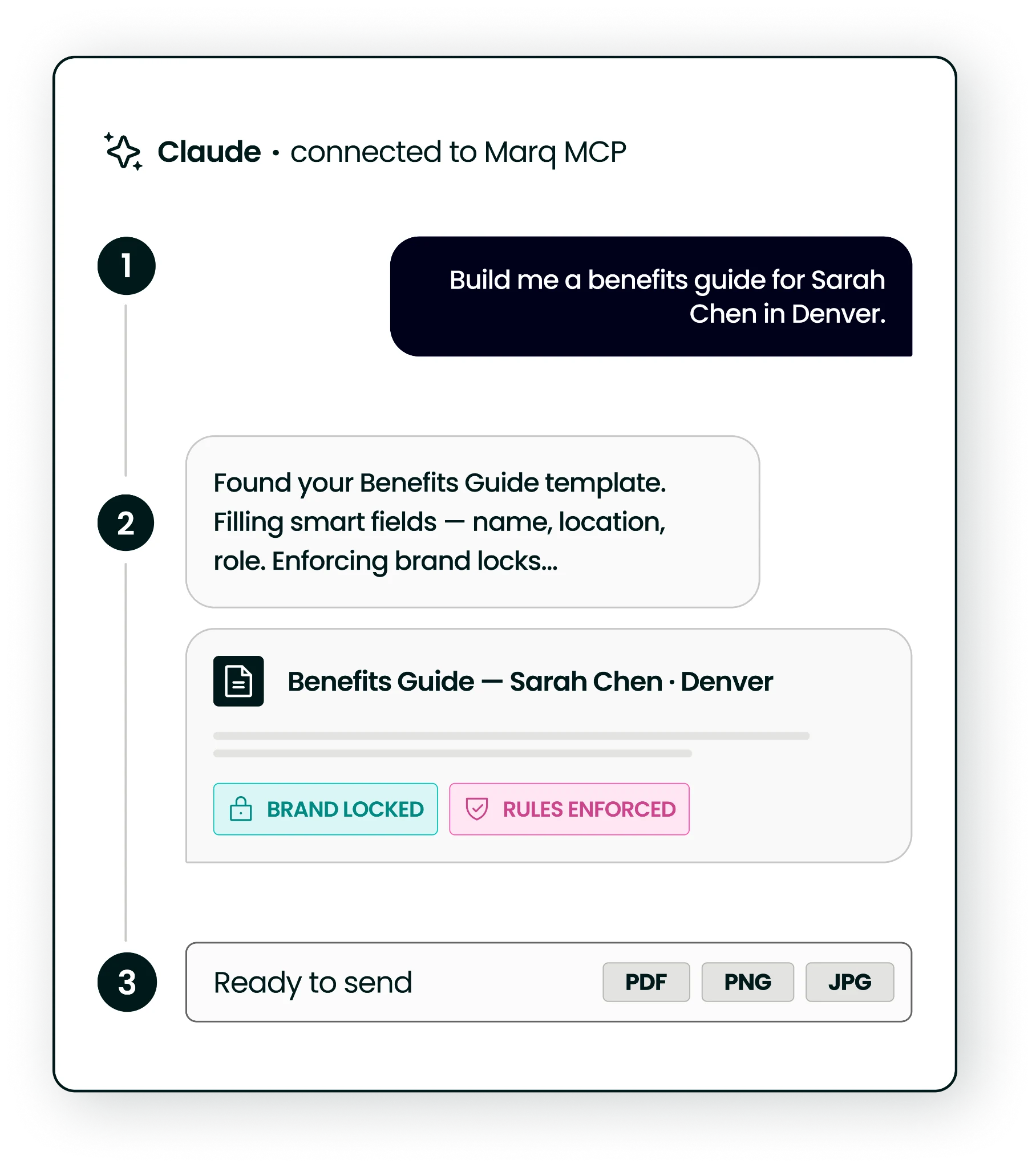
From a conversation, the assistant can find a template, create a new editable Marq project from it, populate its smart fields, update its content, and export the finished project as a PDF, PNG, or JPG.
Each person connects their own Marq account, so the assistant can access only what that person already has permission to use.
From content request to new Marq project
So what does an MCP workflow look like in practice?
Consider an HR or internal communications team preparing an employee benefits guide for annual enrollment. The design team has already created the approved guide template and decided which elements should stay consistent, and HR has this year’s plan information and deadlines. They need a finished guide ready to share with employees.
Through ChatGPT or Claude, the team can ask the assistant to:
- Find the approved benefits guide template they can access in Marq.
- Create a new Marq project from that template.
- Update the guide with the plan year, enrollment deadlines, and contact information.
- Export the finished guide as a PDF.
HR adds the current benefits information. The brand team supplies the approved starting point. They can move from request to finished guide without routing another PDF or passing instructions back and forth. For the brand team, that means fewer one-off files to inspect and less uncertainty about which materials employees are using.
Note: projects created through Marq MCP count toward your account’s ABC Capacity Tier when they are exported, downloaded, printed, or published. Review the details here.
Connect Marq to ChatGPT or Claude
Brand teams can’t script every conversation employees have with their agents. With Marq MCP, they can decide which templates, assets, and data those agents are allowed to use.
If you want to bring your brand into your team’s AI workflow, Marq is available as a ChatGPT plugin and Claude connector.
Open Marq in ChatGPT and select Install, or open Marq in Claude and select Connect. Sign in to your Marq account to authorize the connection.
You can also find Marq manually in your AI assistant’s directory:
For step-by-step connection and sign-in help, view Marq’s two-minute setup guide.
Once connected, try: “List my Marq brand templates.”
Finally, tell us how it goes! Get in touch to share what you create.