Free online YouTube thumbnail maker
Quickly create and distribute a stunning YouTube thumbnail with the Marq brand templating platform. With a powerfully intuitive editor, it’s never been easier to impress your audience… and yourself.
Haven’t signed up yet?
Give us a try.
 Sign up with Google
By signing up you agree to our Terms of Service and Privacy Policy





Get started fast with smart YouTube thumbnail templates
Get started by using any of our professionally-designed templates and make it all your own. Each template is completely customizable to match your company brand. Customize the thumbnail template by hand or upload your branding to access a collection of Smart Templates automatically customized to fit your brand.
Easy YouTube thumbnail design
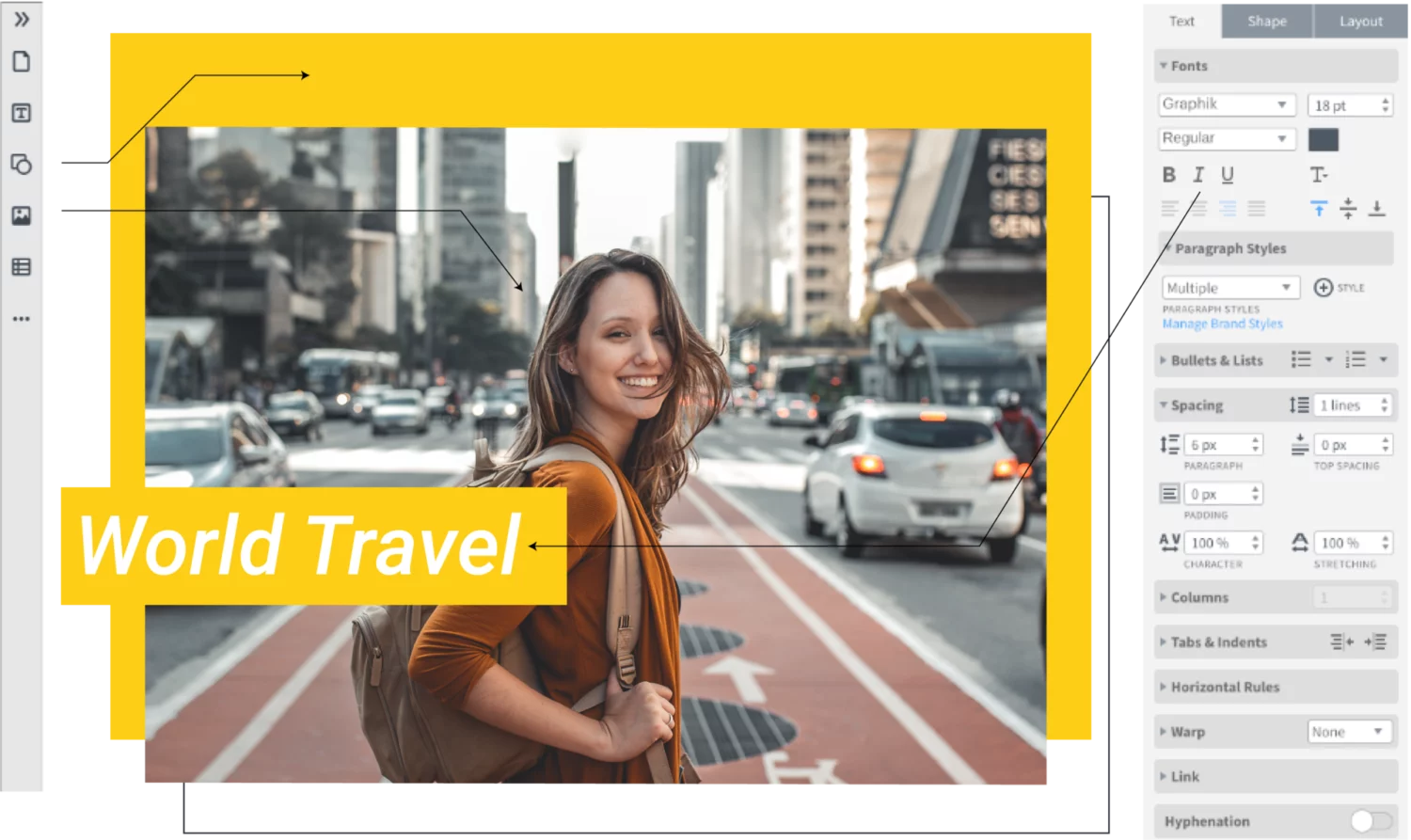
Lay out text, images, shapes & video with a simple drag-and-drop motion—nothing could be easier. Try our keyboard shortcuts to save even more time. You’ll feel like a design genius.
Brand consistency
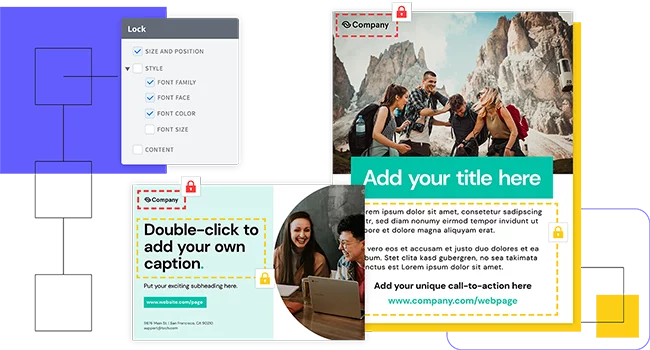
Eliminate the risk of team members accidentally stretching, moving, discoloring (you get the point) your brand assets by locking down fonts, images, logos, position, and more.
Work together
Lay out text, images, shapes & video with a simple drag-and-drop motion—nothing could be easier. Try our keyboard shortcuts to save even more time. You’ll feel like a design genius.
Why choose our YouTube thumbnail maker?
You don’t have to be a brilliant designer to craft beautiful content. Whether you’re a team of one or a team of five, our brand templating platform makes it easy to create content and build your brand in the new design democracy.

Make customizing content even easier by storing all your brand assets in one place.

Since Marq’ platform is web-based, there’s nothing to download or install — so you’ll always have the latest version.

Smart Fields auto-populate information in your templates, so you don’t have to chase down information.

Marq integrates with your favorite tools to put content at your fingertips. Transfer text from a Google Doc, import an InDesign file or insert photos from Dropbox, Facebook or Unsplash so you can stay focused on your work.
How to make YouTube thumbnails
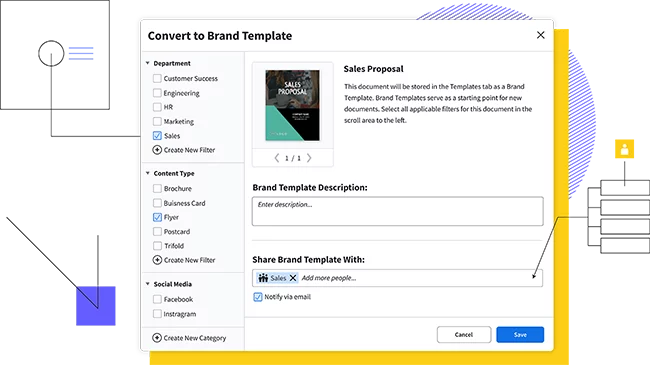
Growing an audience on YouTube takes work. The Marq Youtube thumbnail creator takes some of that effort off your shoulders with the ability to convert any document into a personal template. That way, once you have the perfect YouTube thumbnail, you can convert it to a template and reuse it with slight adjustments over and over again.

An effective YouTube thumbnail should drive interest in your video, show what the video is about and avoid being too busy.
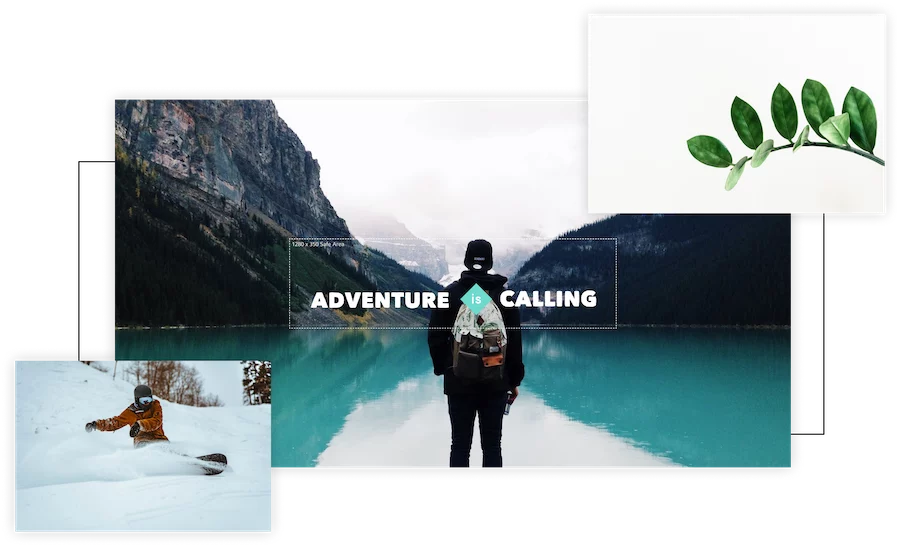
Want to stand out in YouTube search results? Images with faces and bright colors do best at capturing the audience’s attention. Choose a fun shot from the video itself or upload a photo related to the content.

Incorporate your brand colors and your brand logos into the thumbnail to drive brand recognition and awareness.
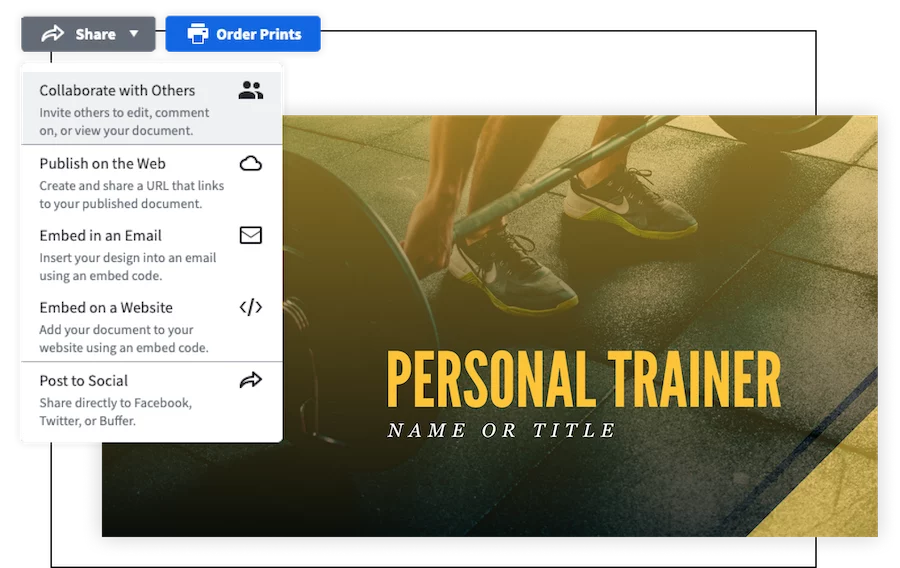
Share your thumbnail with with the world. Download a high quality image and upload it to YouTube
Create all of your on-brand
collateral in Marq




Frequently asked questions
A captivating thumbnail is crucial for drawing viewers to your videos. It serves as a visual preview and can significantly impact whether users click to watch. A well-designed thumbnail can increase your video’s click-through rate and overall engagement.