Online Twitter header maker
Quickly create and distribute a stunning Twitter header with the Marq brand templating platform. With a powerfully intuitive editor, it’s never been easier to impress your audience… and yourself.
Haven’t signed up yet?
Give us a try.
 Sign up with Google
By signing up you agree to our Terms of Service and Privacy Policy





Smart twitter header templates — smarter you.
Not a professional designer? No problem. Choose from one of our hundreds of Twitter templates to get you started creating a professional Twitter header. Each template is completely customizable to match your brand. Customize the template by hand or unlock the power of Smart Brand Assets. Upload your brand’s colors, font and logo to access a collection of templates customized to your brand.
Easy Twitter header design
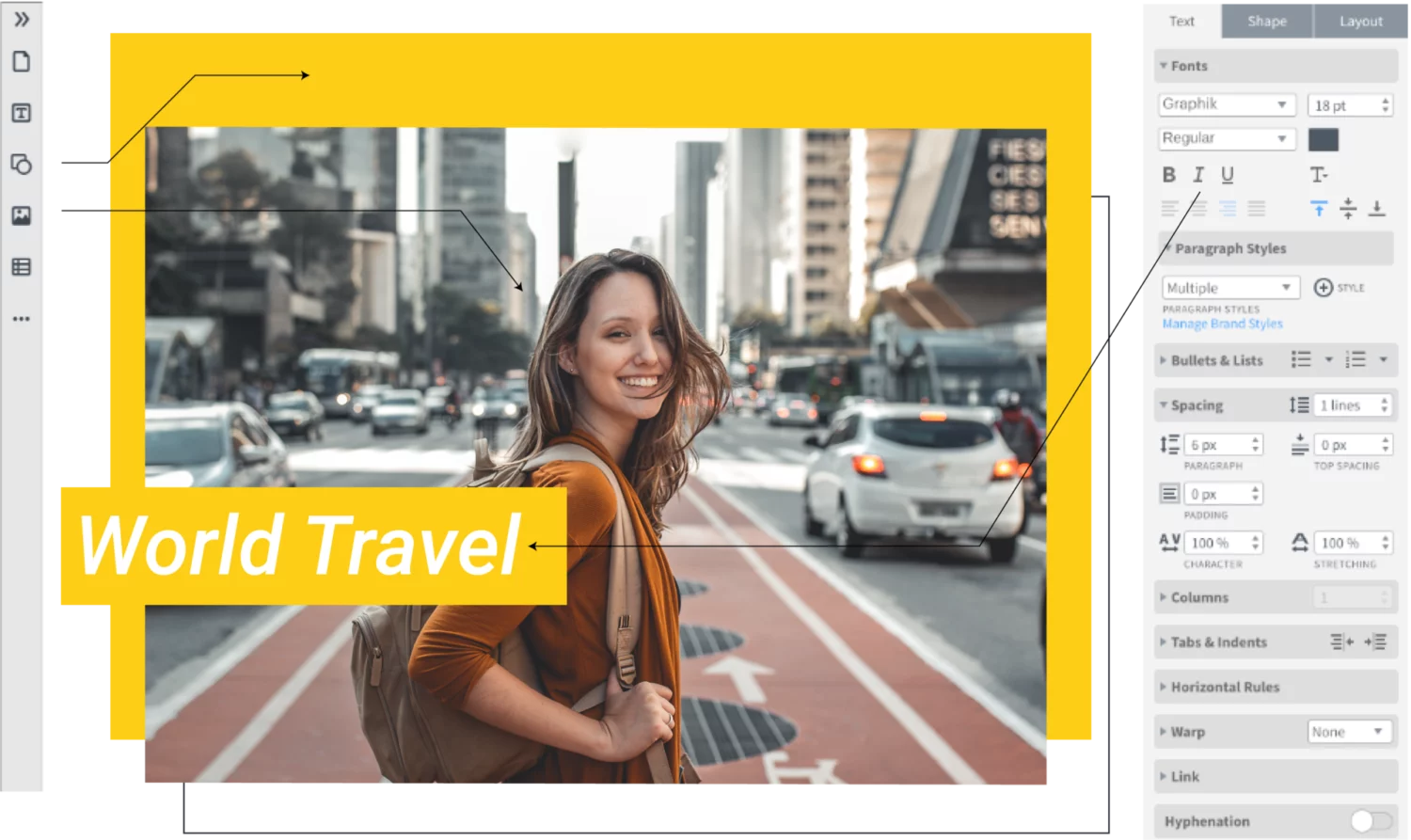
With an intuitive, drag-and-drop editor, Marq is easy to learn. You’ll have a beautiful, finished product in minutes.
Grow your brand
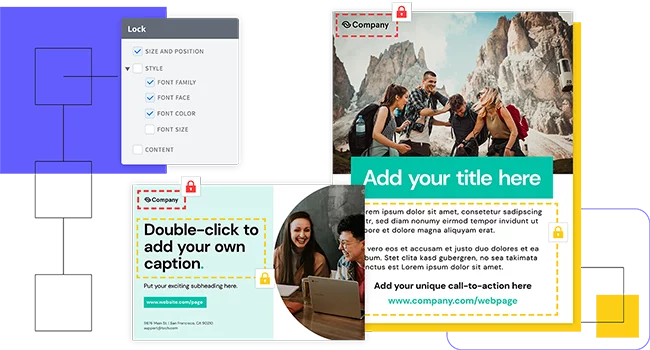
Eliminate the risk of team members accidentally stretching, moving, discoloring (you get the point) your brand assets by locking down fonts, images, logos, position, and more.
Empower your team
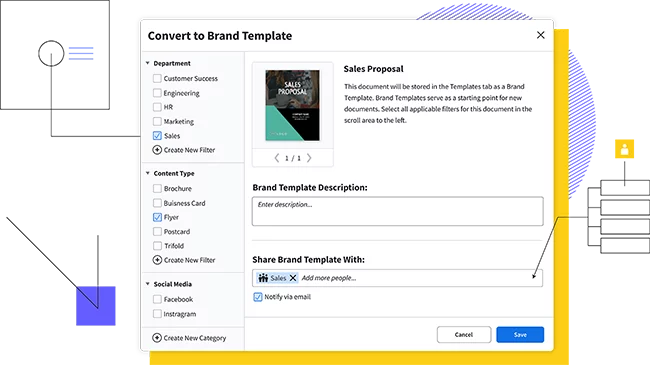
Share templates and brand assets with multiple team members and assign team roles to control who has access to what.
Feature highlights
You don’t have to be a brilliant designer to craft beautiful content. Whether you’re a team of one or a team of five, our brand templating platform makes it easy to create content and build your brand in the new design democracy.

Make customizing content even easier by storing all your brand assets in one place.

With a web-based platform, no downloads or software installations are required, and you can access your Marq account from any browser or platform.

With smart fields or our advanced data automation feature, you can auto-populate information in your templates, cutting down on repetitive content updates.

Use our handy integrations with Google Docs, YouTube, Dropbox, Facebook and InDesign to import existing content. Need stock photos? Use our Unsplash integration to quickly search for and add the perfect image to your Twitter header.
How to make a twitter header
Keep your social profiles fresh and engaging with an updated Twitter header. Our Twitter header layouts come pre-formatted in the correct dimensions, so your final product will upload perfectly.
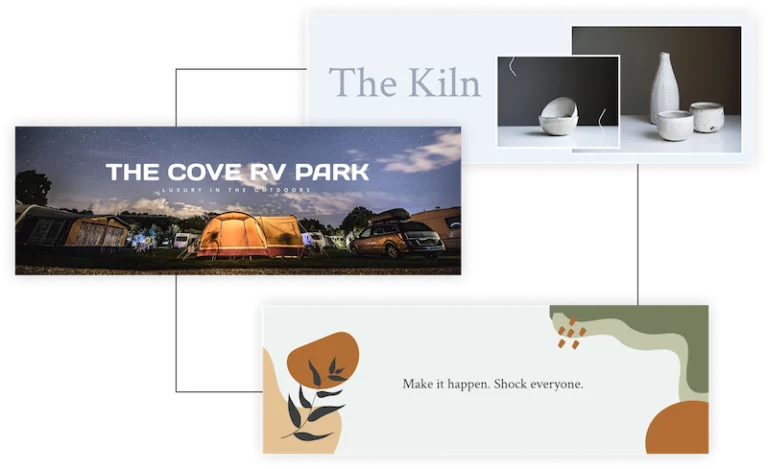
Open a blank page and select “Twitter header” to start from scratch or choose a layout from our hundreds of Twitter templates
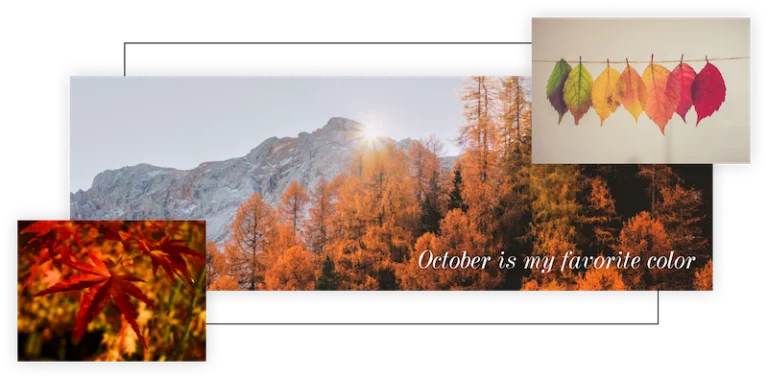
Upload your own photos or choose from thousands of stock photos to make your header pop.
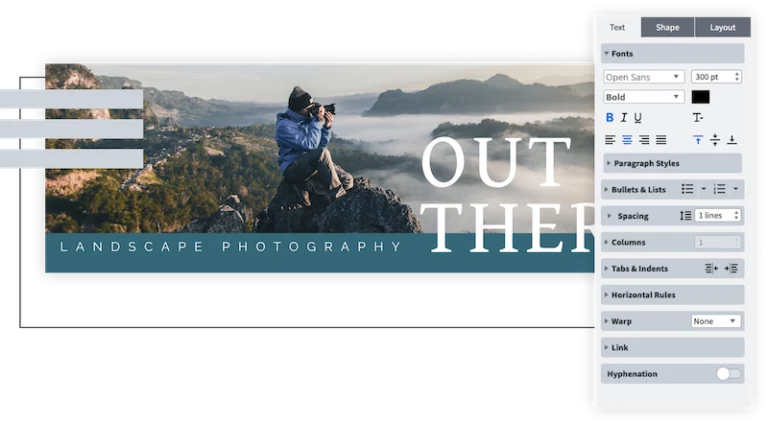
Keep Twitter copy short and easy to read. Remember to use your brand font and colors.
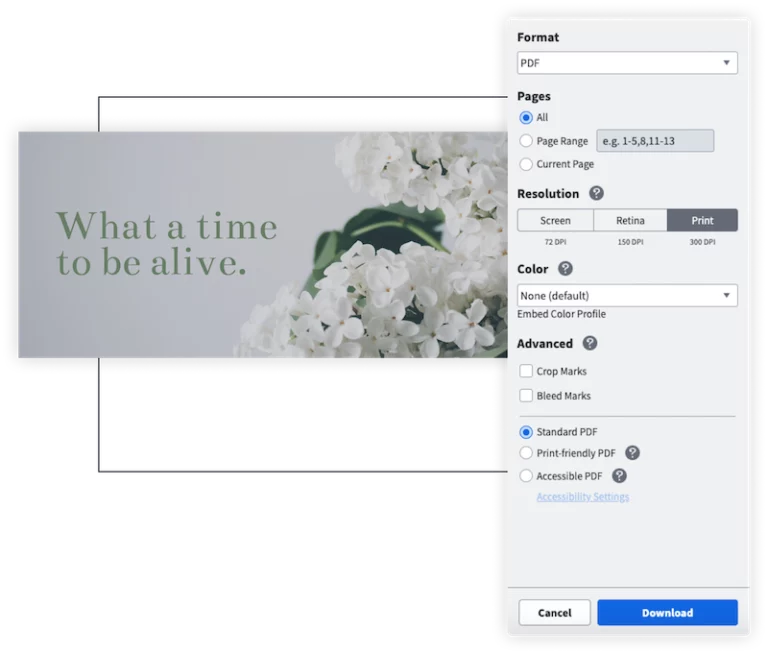
Download the final image as a jpg or png and post it to your Twitter profile.
Ready to get started?
Your followers are waiting. Update your Twitter header and get back to tweeting.
Create all of your on-brand
collateral in Marq




Frequently asked questions
Twitter headers should be 1500 x 500 px.