Postcard maker – custom postcard design
If you’ve ever wanted to make your own postcard, you’ve come to the right place. Our free postcard maker is the only tool you need to create unique cards that are ready to mail. Publish your design online, order prints or send via direct mail, all right here.
Haven’t signed up yet?
Give us a try.
 Sign up with Google
By signing up you agree to our Terms of Service and Privacy Policy





Get started fast with free smart postcard templates
Creating beautiful postcards with the Marq postcard maker is a snap with our pre-made professional templates. Browse our gallery for inspiration, select a template, then customize your design in our online postcard maker. Customize the template by hand or unlock the power of Smart Brand Assets. Upload your brand’s colors, font and logo to access a collection of templates customized to your brand.
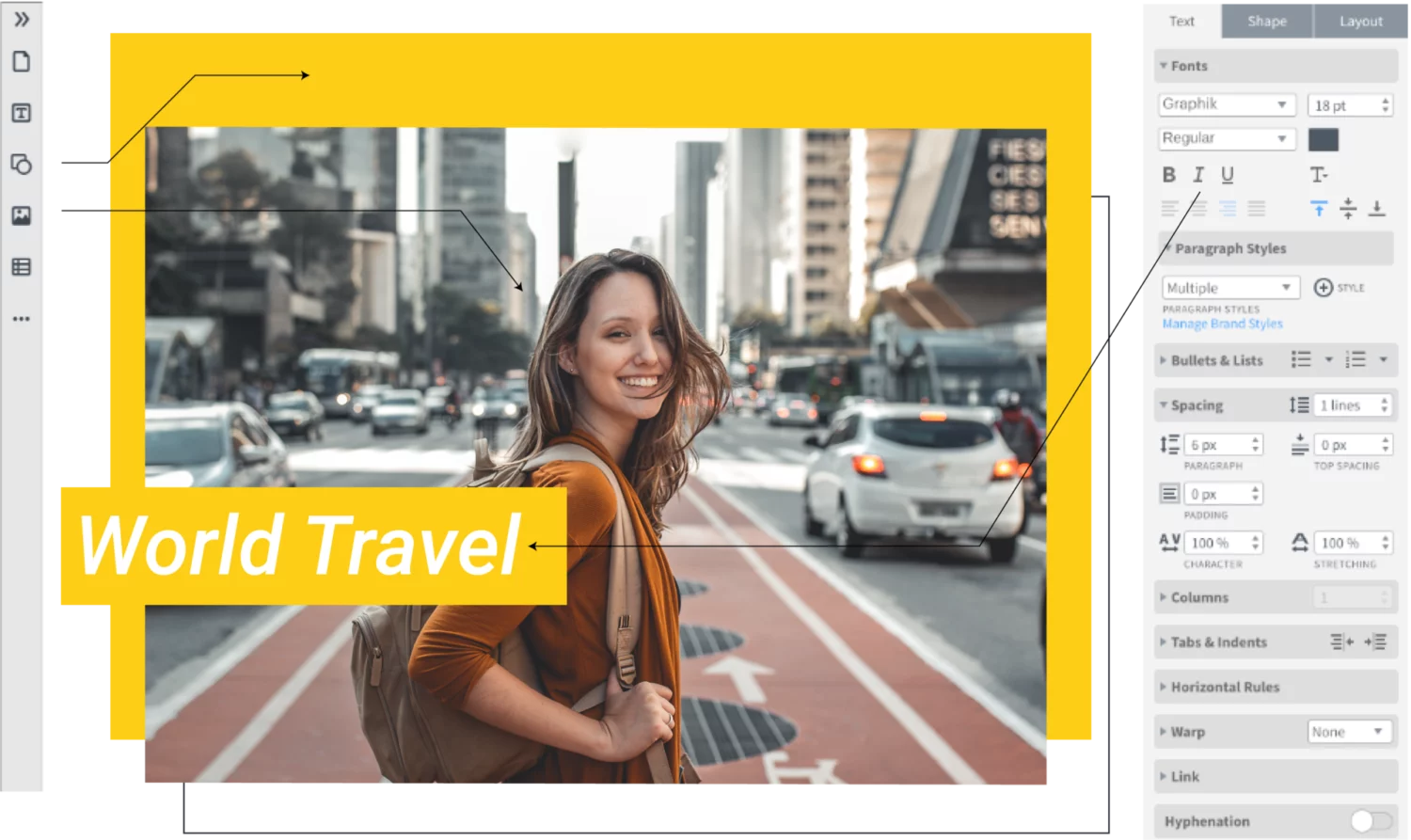
Quick and easy
Our intuitive, drag-and-drop editor makes creating on-brand channel art quick and easy.
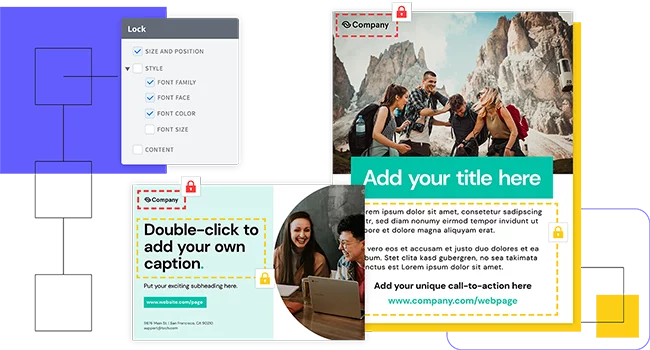
Grow your brand
Advanced template locking empowers team members to customize co-owned templates — without going off-brand, in turn helping ensure content remains consistent.
Empower your team
Share templates and brand assets with multiple team members and assign team roles to control who has access to what.
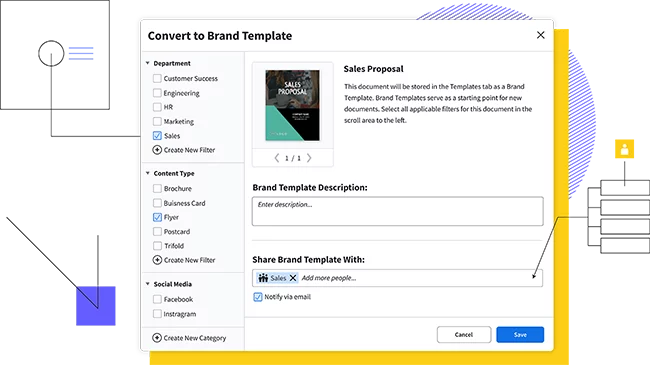
Share anywhere
Multi-channel distribution options — like on-demand printing, direct mail and digital publishing help you seamlessly share your newsletter with your audience.

Feature highlights
You don’t have to be a brilliant designer to craft beautiful content. Whether you’re a team of one or a team of five, our brand templating platform makes it easy to create content and build your brand in the new design democracy.

Make customizing content even easier by storing all your brand assets in one place.

Our web-based platform means that anyone can access Marq across all browsers or devices.

Avoid the cumbersome process of adding your contact information to multiple postcard variations. With a premium account, you can set up smart fields to input that information automatically.

Our direct mail integration makes local marketing affordable and painless. Upload a CSV of addresses or use radial search to send to a local area.
How to make a postcard

You know you want to create a postcard, but you might not know what kind of design you want. That means it’s time to search for inspiration. One of the easiest ways to do this is to take a quick look through the Marq gallery to see the different designs that you can build from. See if any of them speak to you and the reason you’re making a postcard in the first place. This is especially helpful if you don’t consider yourself a designer. Give it a try and see what sparks your imagination.

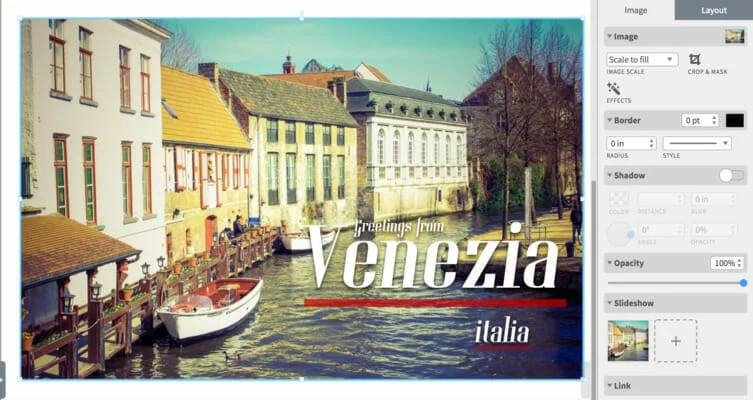
Postcards are all about the image. Some might even say that the picture on a postcard is the star. A great postcard needs an eye-catching image, something that will grab someone’s attention. Run with the visually compelling images already included in the template, or upload one of your own.

Your choice of font and colors should always complement the design of your postcard. They need to work as a cohesive unit, one that amplifies the theme of the postcard and really sets the mood for the reader. Many postcards seek to transport the reader to another location, so make sure you use the right colors and font to help them get there.
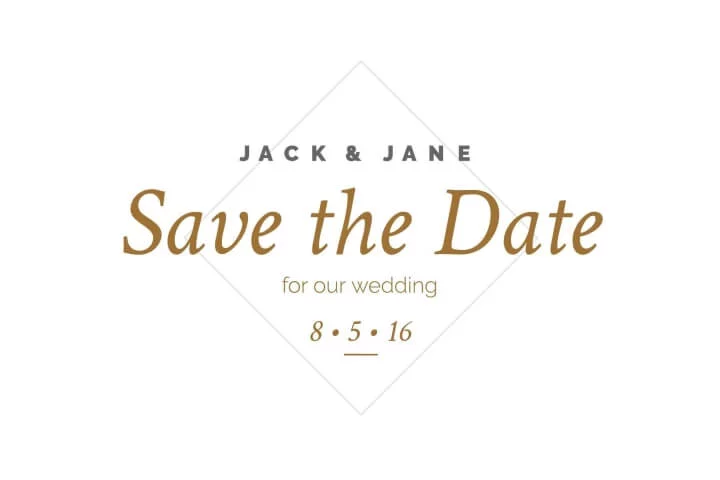
With so many options to choose from, you might be tempted to fill your postcard with all sorts of design elements. Try to avoid this, since a postcard with a simple design is usually more effective. A postcard with numerous elements can quickly become cluttered, resulting in a confusing design. Think about the postcards you’ve received before. Most simply feature a vibrant photo, a simple headline, and maybe a line or two of text. In most cases, that’s all you need.

You’ve created a beautiful postcard. Now’s your chance to share it with the world. You could choose to do this digitally, or you might want to distribute a physical copy. Marq gives you the ability to share your postcards with ease. Simply download your design and print it, or share it online. The choice is yours.
Ready to make your postcard?
Create postcards with ease thanks to the simple features Marq offers. Customize different elements of your postcard however you’d like to create something truly unique in only a few minutes. Whether you’re talking about your recent travels or inviting someone to a special event, make your postcard just the way you want it.
Create all of your on-brand
collateral in Marq




Frequently asked questions
A postcard maker is a tool that enables you to design and personalize postcards for various occasions. With Marq’s free postcard maker, you can easily create unique and eye-catching postcards by selecting templates, adding your own images, text, and design elements. Whether it’s for travel memories or special events, our postcard maker helps you craft memorable keepsakes.