Free Facebook cover maker
Quickly create and distribute a stunning Facebook cover with the Marq brand templating platform. With our intuitive, drag-and-drop editor, you can design the perfect cover photo for your Facebook business page.
Haven’t signed up yet?
Give us a try.
 Sign up with Google
By signing up you agree to our Terms of Service and Privacy Policy




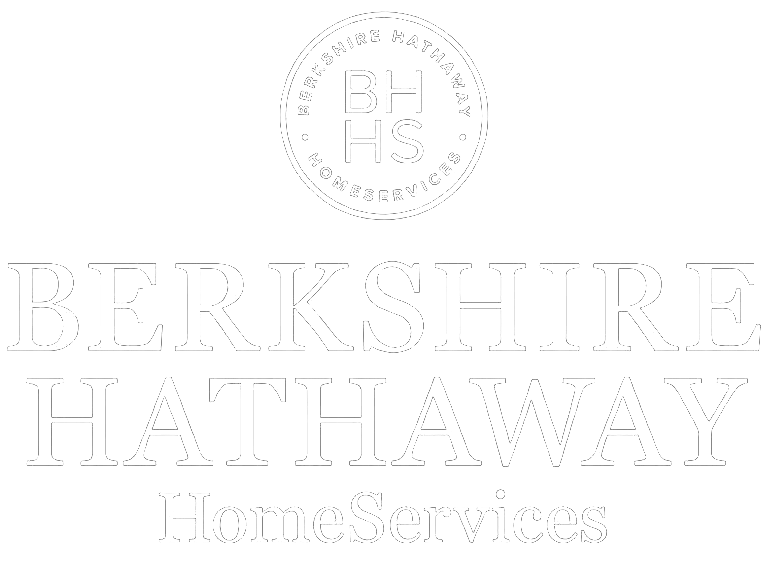
Smart Facebook cover templates — smarter you.
No graphic design skills? No problem. Marq is a free Facebook cover maker tool with templates that are already sized perfectly for Facebook. You can customize any element of the Facebook template including font, color, images and size to match your brand. Customize by hand or unlock the power of Smart Brand Assets. Upload your brand’s colors, font and logo to access a collection of templates customized to your brand.
Quick and easy
Our intuitive, drag-and-drop editor makes creating on-brand channel art quick and easy.
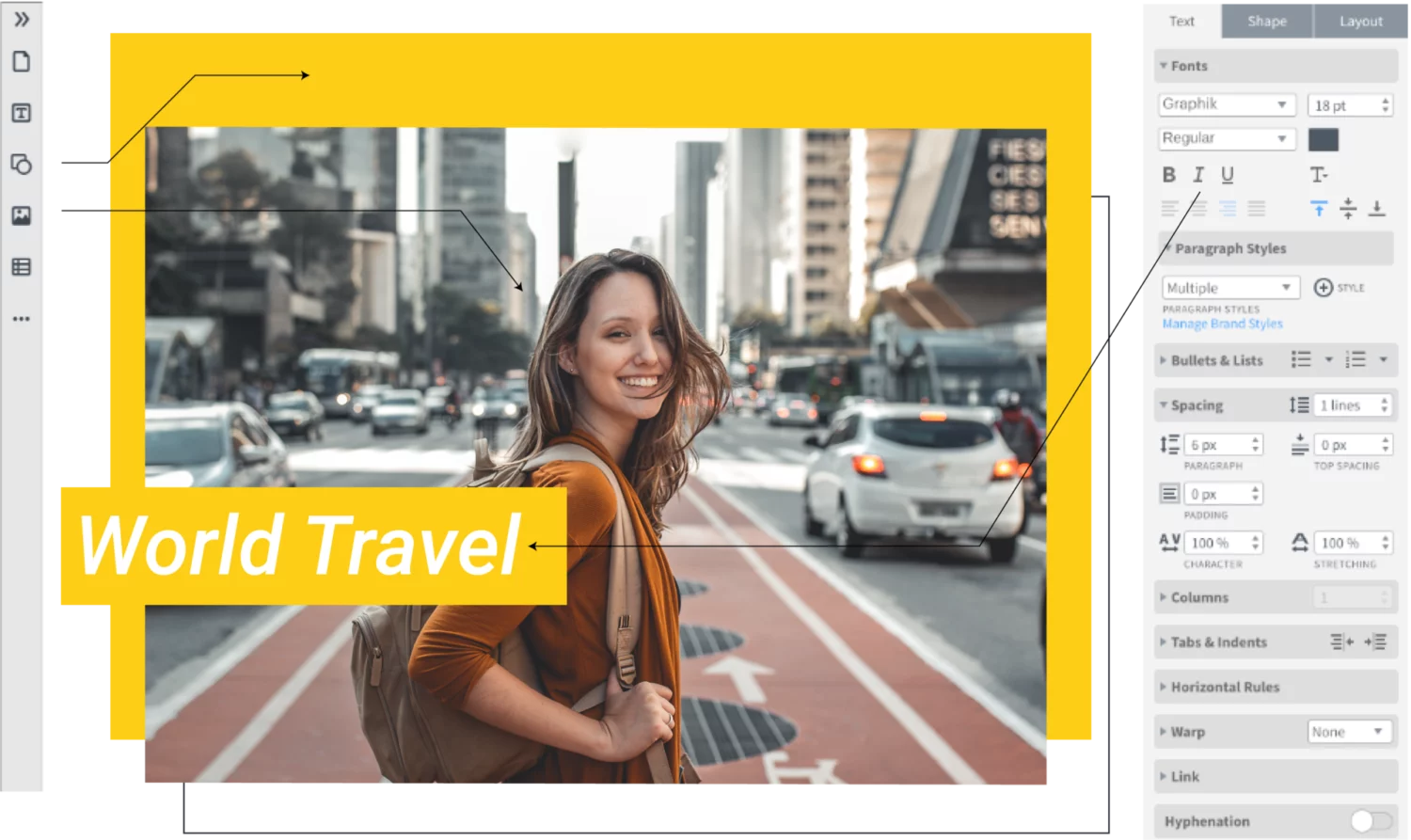
Grow your brand
Enforce brand standards without obstructing creativity or customization needs with lockable templates.
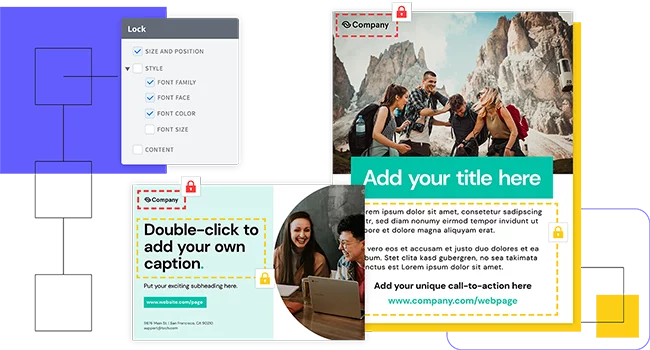
Empower your team
Share templates and brand assets with multiple team members and assign team roles to control who has access to what.
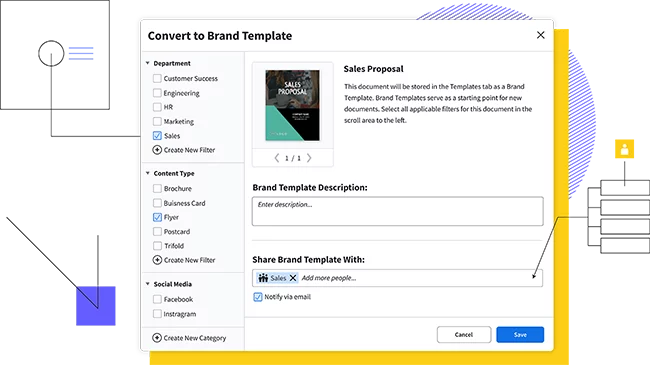
Feature highlights
Marq is perfect for small businesses. Anyone on your team can create beautiful Facebook cover photos (or anything else for your brand) with our intuitive and easy-to-use templates and tools.
Store and download custom brand assets (like logos, colors and fonts) into our asset hub for fast access as you create your Facebook cover.

No software downloads or software upgrades required with Marq. Edit and store your work directly in the cloud.

With smart fields or our advanced data automation feature, you can auto-populate information in your templates, cutting down on repetitive content updates.

Marq integrates with your favorite tools to put content at your fingertips. Transfer text from a Google Doc, import an InDesign file or insert photos from Dropbox, Facebook or Unsplash so you can stay focused on your work.
How it works
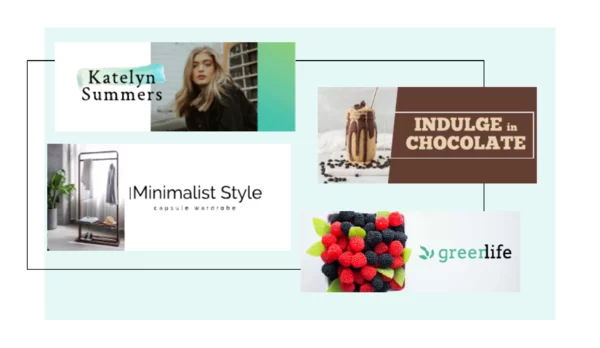
Choose a Facebook cover template to get started. The template is sized correctly for Facebook, so you don’t have to worry about resizing them when you upload them to Facebook.
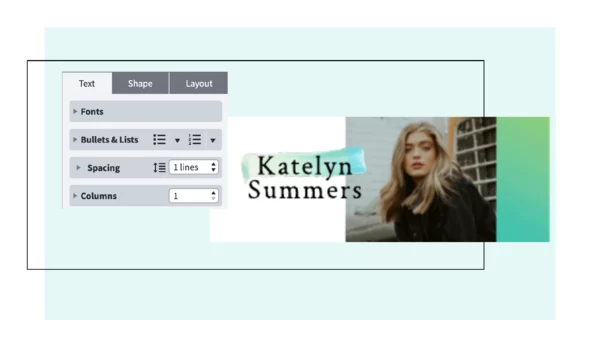
You can change any element of the design to make it match your branding: change fonts, colors and design elements.
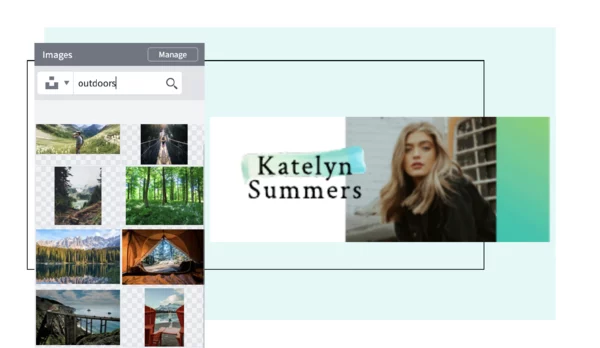
Grab your followers’ attention by using a free photo, one of your own images or a solid color.
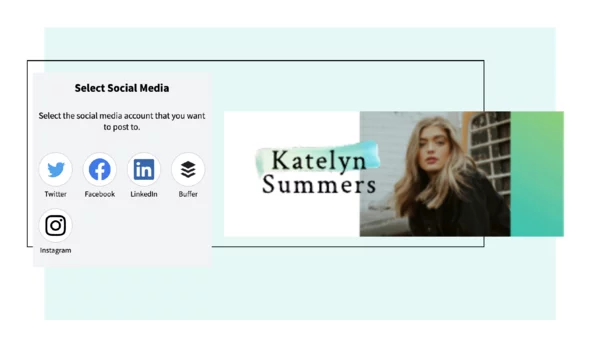
You can download your Facebook cover photo as an image and upload it to your Facebook page without any “made with Marq” watermarks or branding. We’ve got your back.
Create all of your on-brand
collateral in Marq



Frequently asked questions
Crafting a Facebook cover photo with Marq is effortless. Choose a template that resonates with your style, upload your images or choose from our library, and add text or graphics to personalize your cover photo. Once you’re satisfied with the design, download and update your Facebook profile with your new eye-catching cover.