Free online ebook creator
You don’t have to be a design genius to put together something great. Our intuitive drag-and-drop editor puts the power in your hands. Create a professional eBook in minutes with the Marq brand templating platform.
Haven’t signed up yet?
Give us a try.
 Sign up with Google
By signing up you agree to our Terms of Service and Privacy Policy





Smart ebook templates — smarter you.
Not a professional designer? No problem. Choose from one of our hundreds of templates to get you started creating a professional eBook. Each eBook template is completely customizable to match your brand. Customize by hand or upload your branding to access a collection of Smart Templates automatically customized to fit your brand.
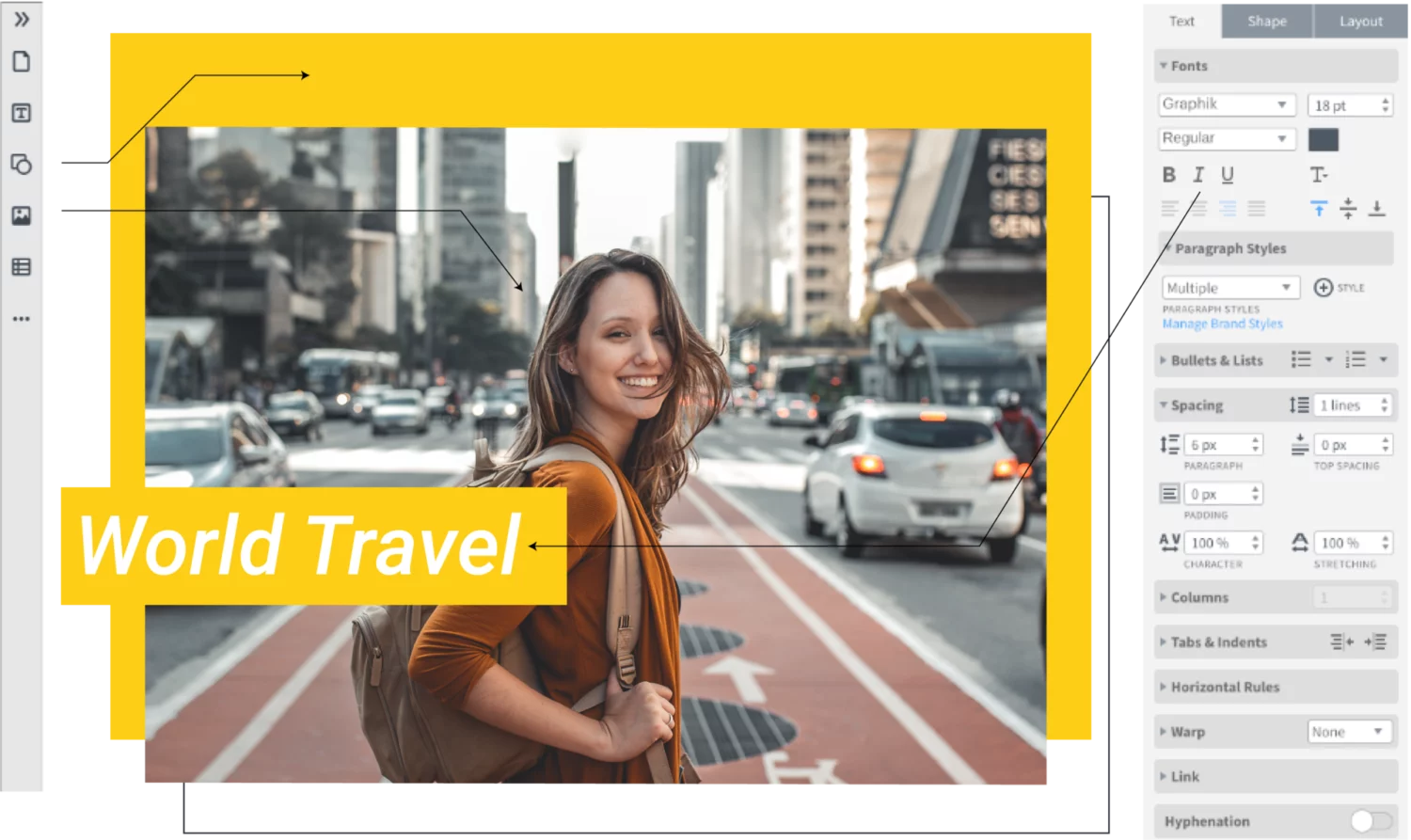
Quick and easy
Our intuitive, drag-and-drop editor makes creating on-brand channel art quick and easy.
Grow your brand
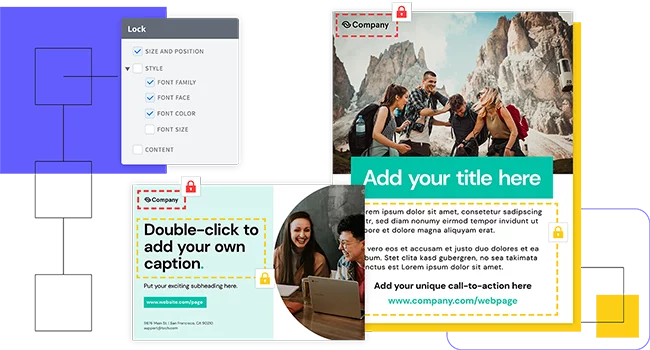
Enforce brand standards without obstructing creativity or customization needs with lockable templates.
Empower your team
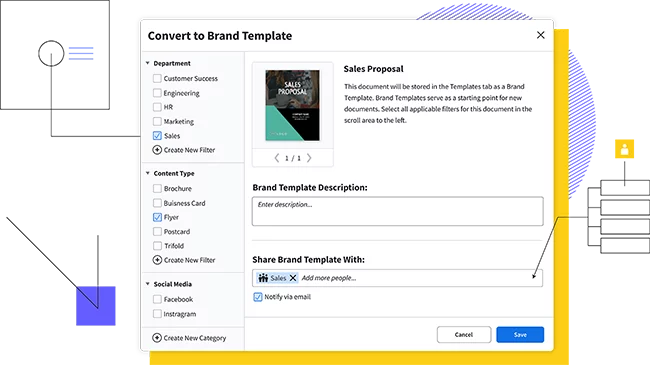
Share templates and brand assets with multiple team members and assign team roles to control who has access to what.
Why choose our ebook creator?
You don’t have to be a brilliant designer to craft beautiful eBooks. Whether you’re a team of one or a team of five, our brand templating platform makes it easy to create content and build your brand.
Set your business’s colors, fonts and images to keep all of your content consistent. Quickly customize any eBook template with your brand’s design elements.

With a web-based platform, no downloads or software installations are required, and you can access your Marq account from any browser or platform.

With smart fields or our advanced data automation feature, you can auto-populate information in your templates, cutting down on repetitive content updates.

Use our handy integrations with Google Docs, YouTube, Dropbox, Facebook and InDesign to import existing content. Need stock photos? Use our Unsplash integration to quickly search for and add the perfect image to your eBook.
Steps to create an ebook
With Marq, creating an eBook is quick and easy.
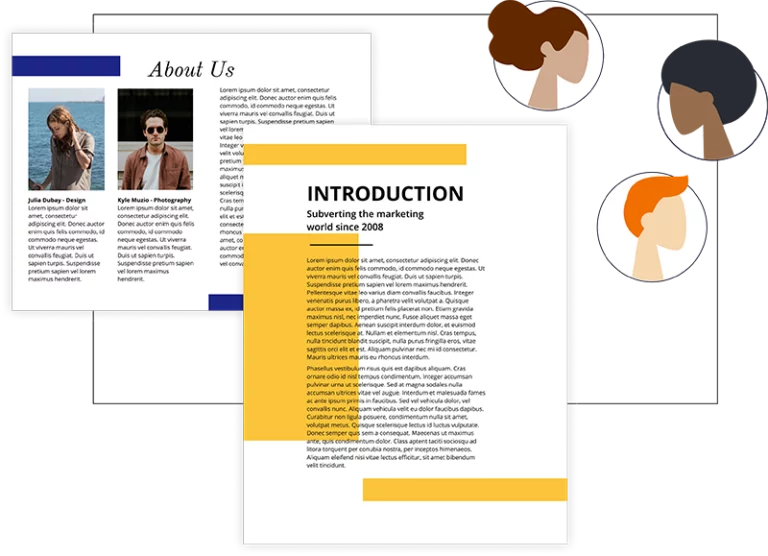
Turn your content into a narrative that makes it easy to follow. Fill your text with interesting facts that will get the reader to think. The more fascinating the content, the more likely the reader will want to share it with others—and that means even more people will be reading your eBook.

Start by choosing a template from our library of eBook templates. Add as many pages as you need and insert your copy into the text boxes.

Include images, icons, graphics and more that enhance the material. Marq offers free stock photos and icons if you don’t have your own. Update colors, fonts and logos to match your business.
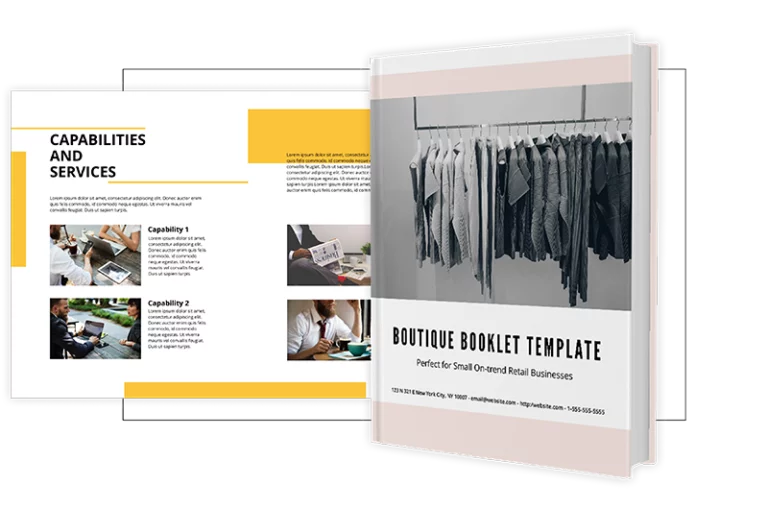
The Marq eBook maker software lets you export your eBook as an image file or in PDF format. You can also create a published link or embed the eBook within the Marq document viewer. These options give you a variety of ways to grow and reach your audience
Ready to create your ebook?
Creating an eBook is a powerful marketing tool. Be sure to put your best foot forward to your customers with our easy eBook creator.
Create all of your on-brand
collateral in Marq



Frequently asked questions
The Marq eBook maker allows you to create an eBook in any size you want. Either choose from some of our recommended sizes or create your own custom size.