Free Online Photo Collage maker
Turn your photos into something everyone will want to see. Marq’s free collage maker provides you with an intuitive editor to create and distribute stunning photo collages that tell a story that’s as beautiful as your images. New to design? Grab our tips on how to make a collage below.
Haven’t signed up yet?
Give us a try.
 Sign up with Google
By signing up you agree to our Terms of Service and Privacy Policy





Smart collage templates — smarter you.
With Marq, there’s no need to spend time trying to line everything up. Our selection of free collage templates gives you a running start with some aesthetically pleasing layouts—and with our intuitive interface, you can follow your artistic impulses without any roadblocks. Customize by hand or unlock the power of Smart Brand Assets. Upload your brand’s colors, font and logo to access a collection of templates customized to your brand.
Quick and easy
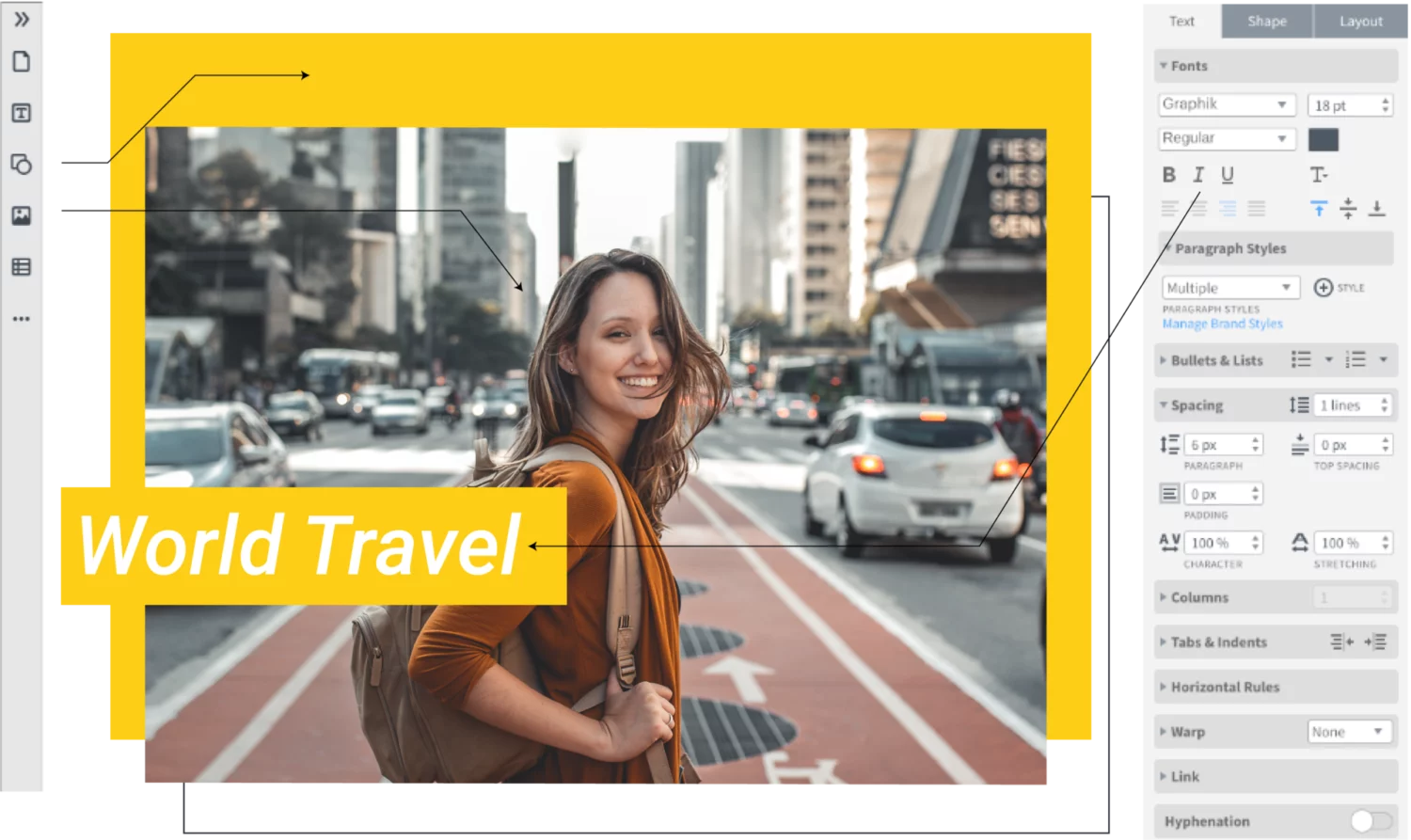
Our intuitive, drag-and-drop editor makes creating on-brand channel art quick and easy.
Grow your brand
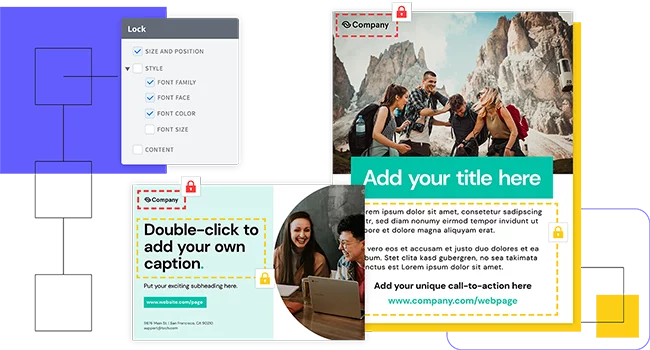
Enforce brand standards without obstructing creativity or customization needs with lockable templates.
Empower your team
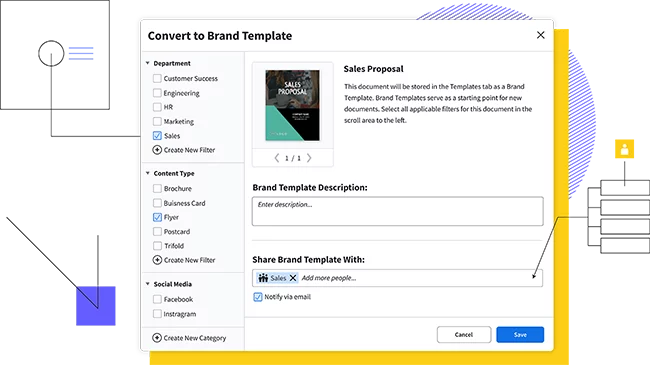
Share templates and brand assets with multiple team members and assign team roles to control who has access to what.
Feature highlights
You don’t have to be a brilliant designer to craft beautiful content. Whether you’re a team of one or a team of five, our brand templating platform makes it easy to create content and build your brand in the new design democracy.

Make customizing content even easier by storing all your brand assets in one place.

Since Marq is online, you can work from any computer and have the same program available to you. We also regularly deliver updates to our editor that you’ll never have to pay for or download. You can focus on making a beautiful finished collage and let us worry about the rest.

Smart Fields auto-populate information and images in your templates, so you don’t have to chase down information.

Access thousands of free stock photos or icons in the Marq editor or easily import your own from Dropbox or Facebook. Use our Indesign Import feature to import existing InDesign files and convert them to Marq templates.
How to make your photo collage

Choose from any of Marq’s professionally designed photo layouts to start using our photo collage maker. If you would like to start from scratch, then open a blank canvas and select your desired size.
Once you’ve created your document, you can select background colors and decide whether to add any borders to your collage.

Click on the Image Manager (or the picture icon on the left side of your screen) to open your image folder. Click Upload to select the type of file you’d like to add to your Marq account.
Select the photos you’d like to use from your computer, then click Choose. Your photos will appear in your Image Manager window, and you can start inserting your photos into the collage from there.
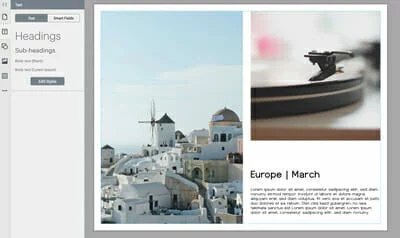
With your images handy in the Image Manager, and with Marq’s robust design features, you can create a perfect collage for your photos. Add any graphics or shapes to your collage using the left vertical toolbar to access the Bing Image Finder or the shapes library.
You can also pick the a color scheme that complements your images and background, on the right-hand side of the editor. Next, choose from the dozens of stylistic fonts available to add text to your photo collage.
Do you have a video that goes perfectly with your images? You can add that to your photo collage, too, by clicking on Buttons, Videos, & Scroll Areas at the bottom of the left vertical toolbar. Simply link to your video on Youtube or Vimeo to have your video play right next to your pictures.
The combination of photos, background, colors, text and even video will lead to an impressive result.

Now that you’ve finished creating your photo collage, you can publish the document through Marq, download it to your computer or print it through Marq’s Print & Ship feature.
If you want to gather feedback before you publish the collage, you can easily share your document with your friends. Collaboration is instant—no emails or PDFs necessary. Just invite your colleagues to view, edit or comment directly in the document.
Once you’re ready to share, you can get busy printing or posting on social media platforms like Instagram & Facebook.
Start creating now
Bring your pictures to life by creating an engaging photo collage. Marq’s picture collage maker is the tool you need to easily make a stunning design that will show off your photos. Check out our full template gallery and select from the layouts to get going.
Create all of your on-brand
collateral in Marq




Frequently asked questions
Crafting a collage with Marq is a breeze. Select your preferred collage template, upload your photos, and arrange them in the layout you desire. You can easily resize, rotate, and add effects to your images. Once you’re satisfied with your creation, save or share your collage digitally or in print.