An online brochure maker for everyone
Marq makes it easy to create stunning brochures inside your web browser. With our range of professional templates and a simple drag-and-drop interface, your work is sure to impress. It’s brochure design made easy.
Haven’t signed up yet?
Give us a try.
 Sign up with Google
By signing up you agree to our Terms of Service and Privacy Policy




Smart brochure templates — smarter you.
Get started fast. Our free brochure maker software offers a selection of free and premium brochure templates to aid in your design. Customize by hand or upload your branding to access a collection of Smart Templates automatically customized to fit your brand. See all that Marq’s brochure design software has to offer.
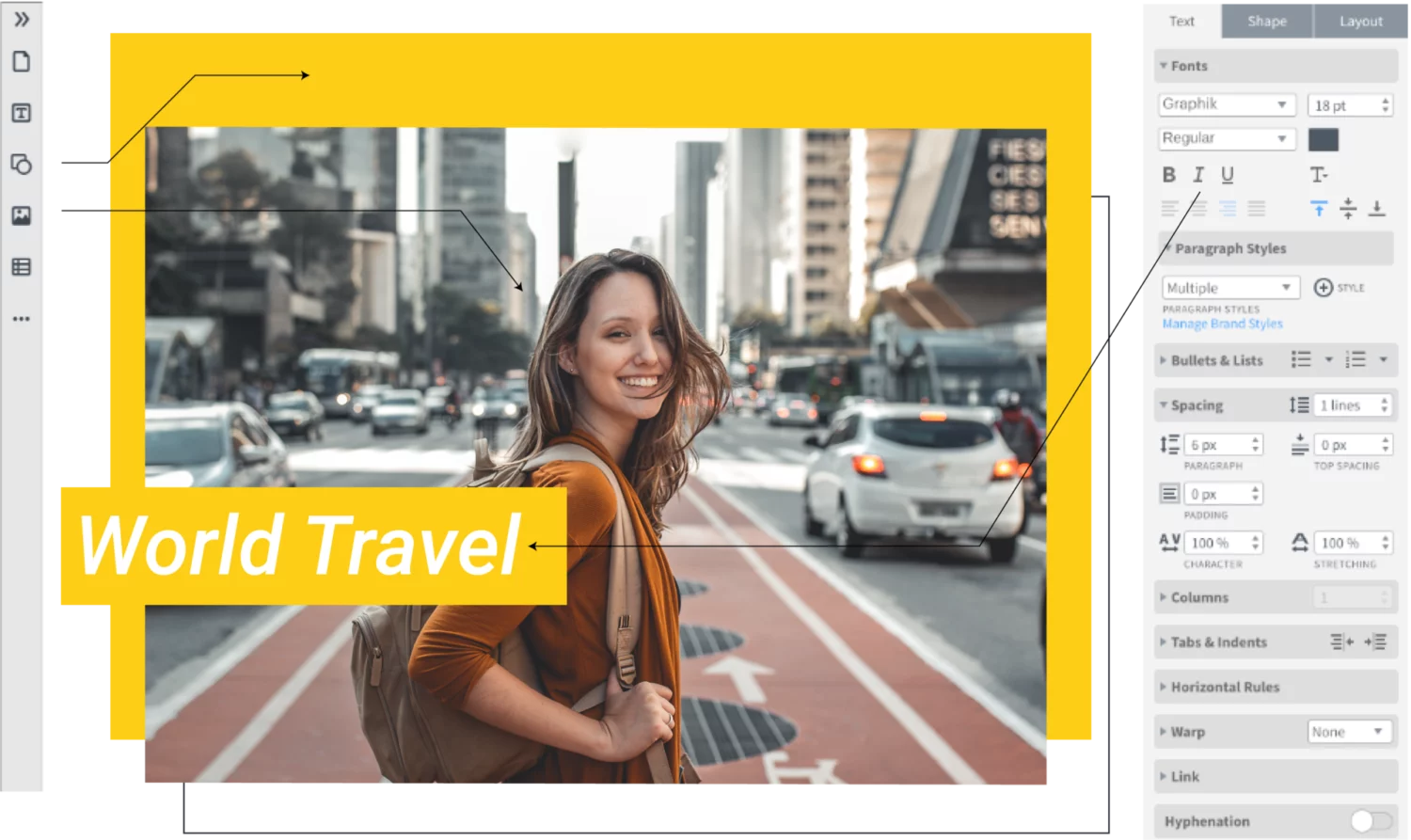
Quick and easy
Our intuitive, drag-and-drop editor makes creating on-brand channel art quick and easy.
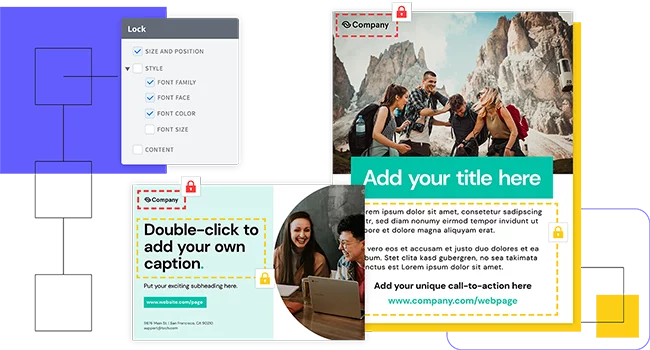
Grow your brand
Enforce brand standards without obstructing creativity or customization needs with lockable templates.
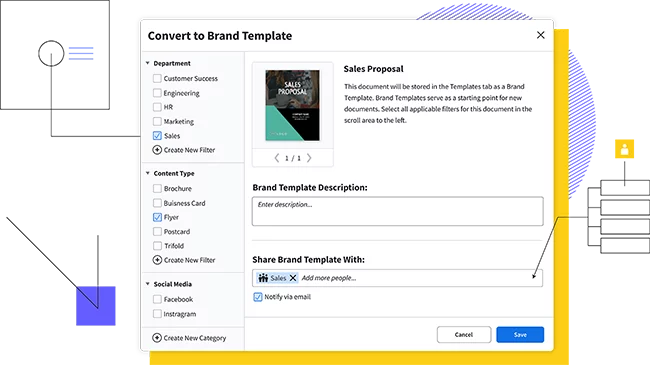
Empower your team
Share templates and brand assets with multiple team members and assign team roles to control who has access to what.
Feature highlights of the brochure maker
Become your own designer. Our online brochure creator makes it simple, intuitive, and even fun to design your own brochure. From bi-fold to tri-fold and beyond, Marq has everything you need to create and share your own professional brochure.
Store and download custom brand assets (like logos, colors, and fonts) into our asset hub for fast access as you create your brochure.

With a web-based platform, no downloads or software installations are required, and you can access your Marq account from any browser or platform.

Avoid the cumbersome process of adding your contact information to multiple brochure variations. With a premium account, you can set up smart fields to input that information automatically.

Use our handy integrations with Google Docs, YouTube, Dropbox, Facebook and InDesign to import existing content. Need stock photos? Use our Unsplash integration to quickly search for and add the perfect image to your brochure.
How to make a brochure

Marq has thousands of templates to choose from. Search through our brochure template category to find a layout you prefer.
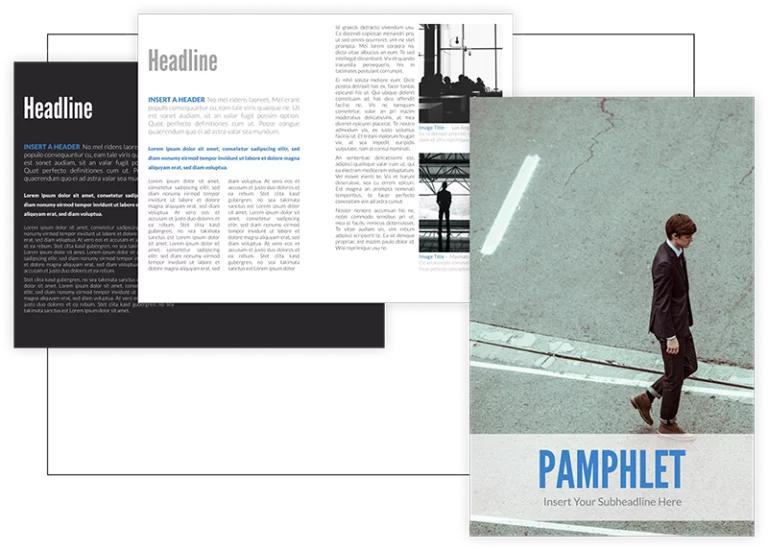
Update the color and fonts in the brochure to match your brand. You can also add your own icons and charts.

Images make a brochure compelling and interesting read. Upload your own images or choose from our thousands of stock photos to create a visually striking brochure.

Good copy will help your customer understand what your business is selling. Keep copy descriptive but succinct.
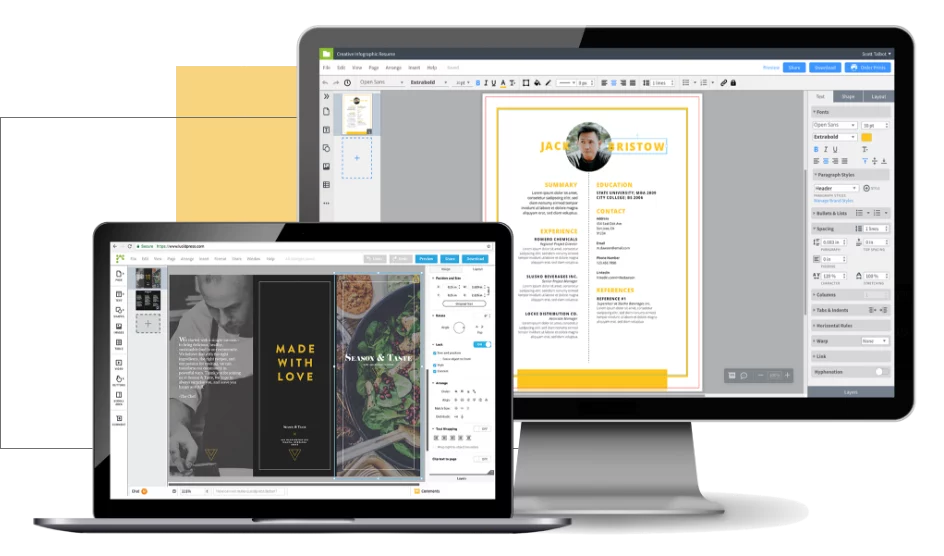
Ready to go? Publish your brochure online, download a PDF or PNG file or share your brochure on social media.
Quickly inform your customers with a brochure maker
Brochures are the perfect medium for conveying information quickly. Use a brochure to describe a specific product, promote an event or market your services. Distribute your brochure online or print your brochure at home or through our professional brochure printer.
Create all of your on-brand
collateral in Marq



Frequently asked questions
Creating a brochure in Marq is easy. First, sign up for a free account, create a new document, then choose from one of our professionally designed brochure templates. Using our simple drag-and-drop interface, customize your brochure with your own graphics, photos, and text.